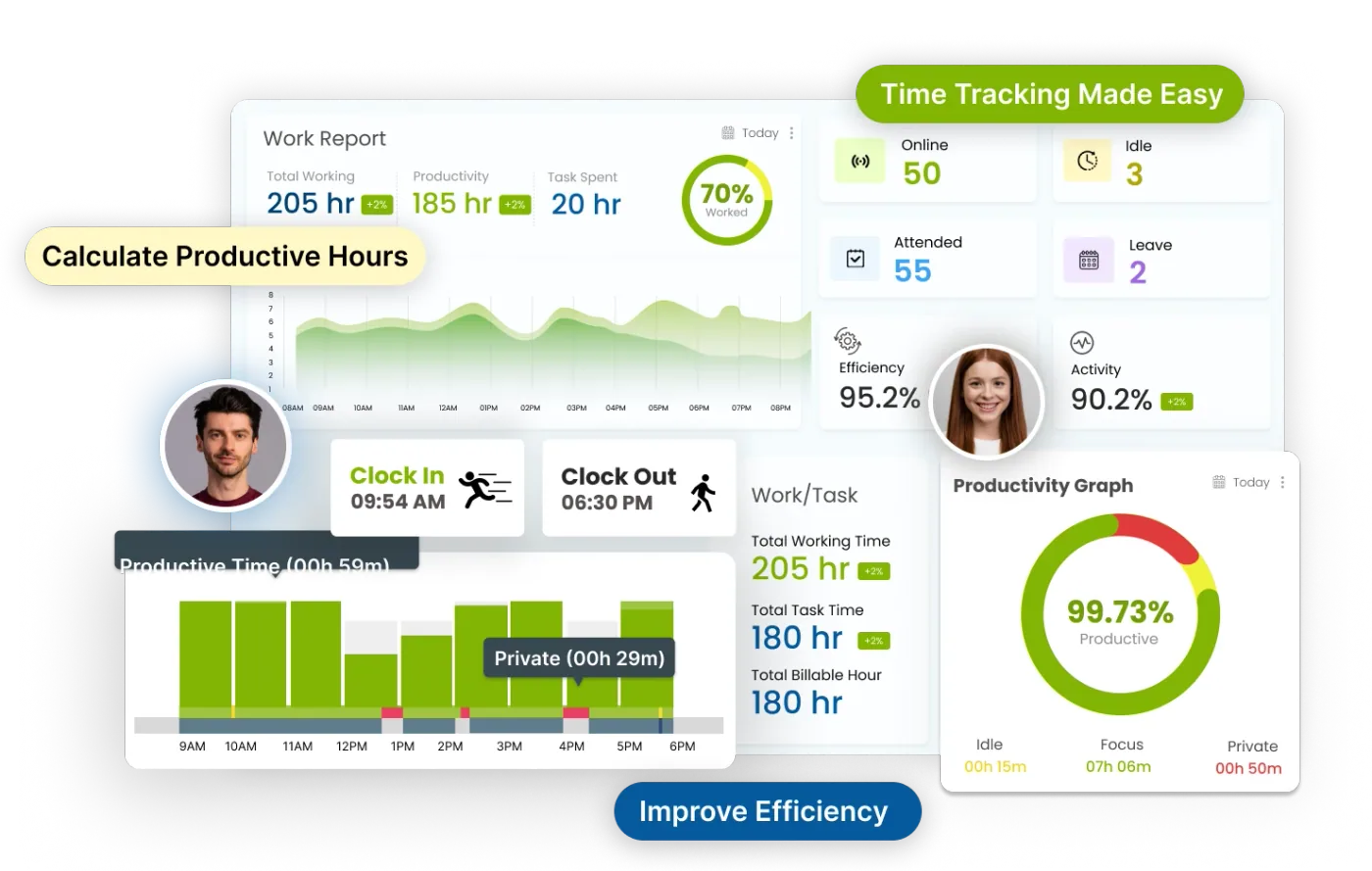
Company project at Infinite Open Source Solutions LLP. Track time, manage projects, and boost productivity all in one place. Desklog gives teams clear insights to work smarter and move faster.
My role UI/UX design and frontend development
 Punya
Let's talk
Punya
Let's talk
Case study · Product design
A productivity-focused web tool designed to simplify time tracking, timesheet management, and earnings estimation in a seamless and intuitive way.
The project
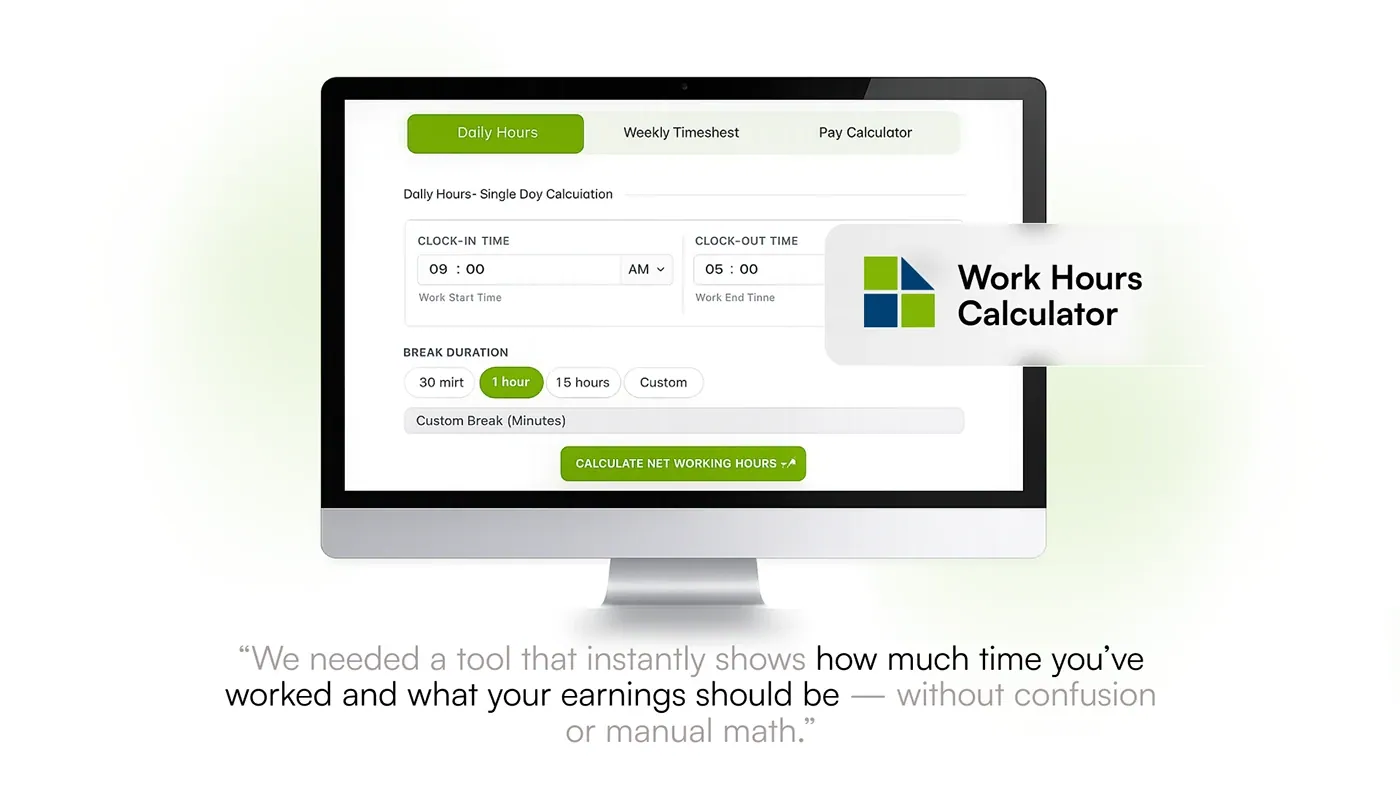
This project involved end-to-end product design and frontend development, where the goal was to transform a functional calculator into a clear, user-friendly, and conversion-driven experience.
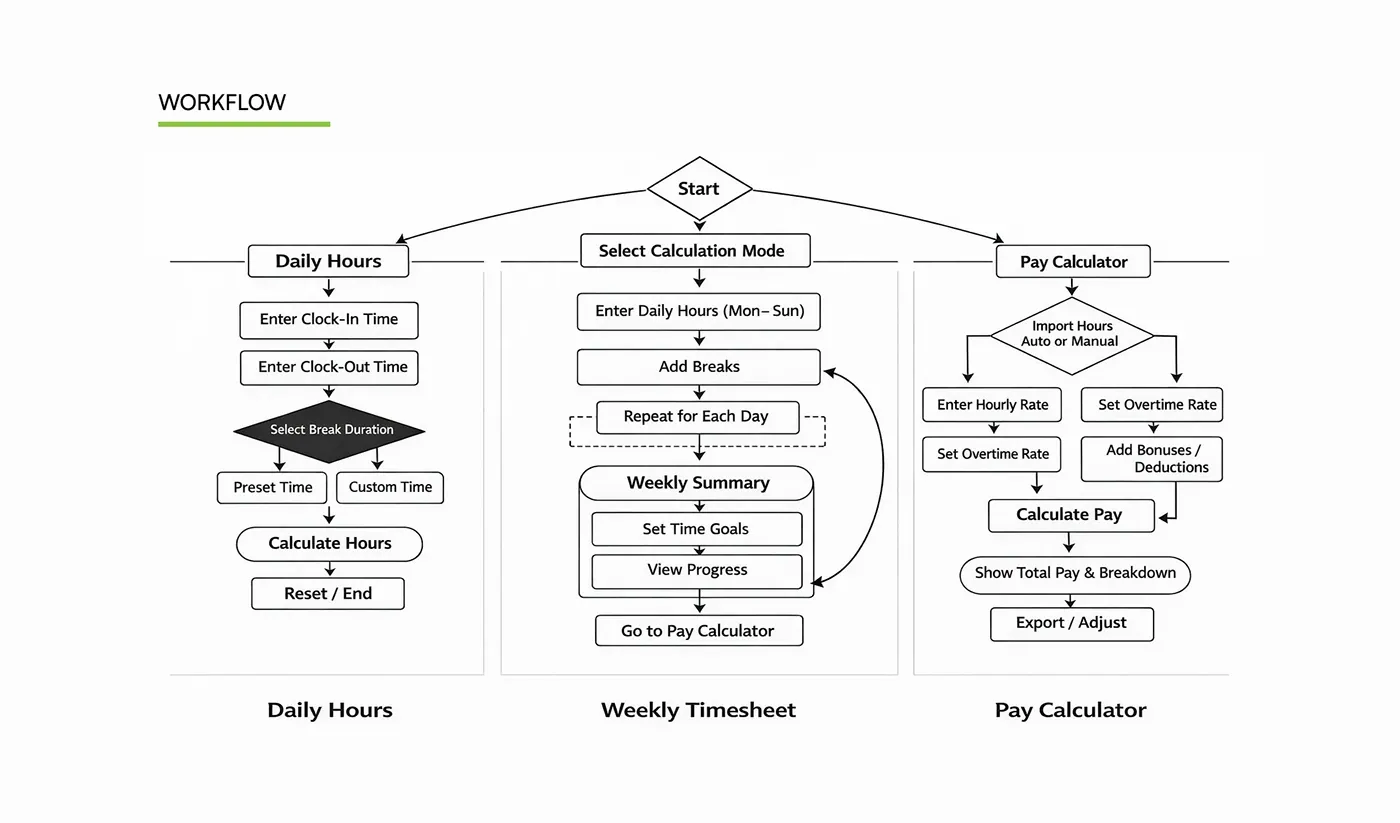
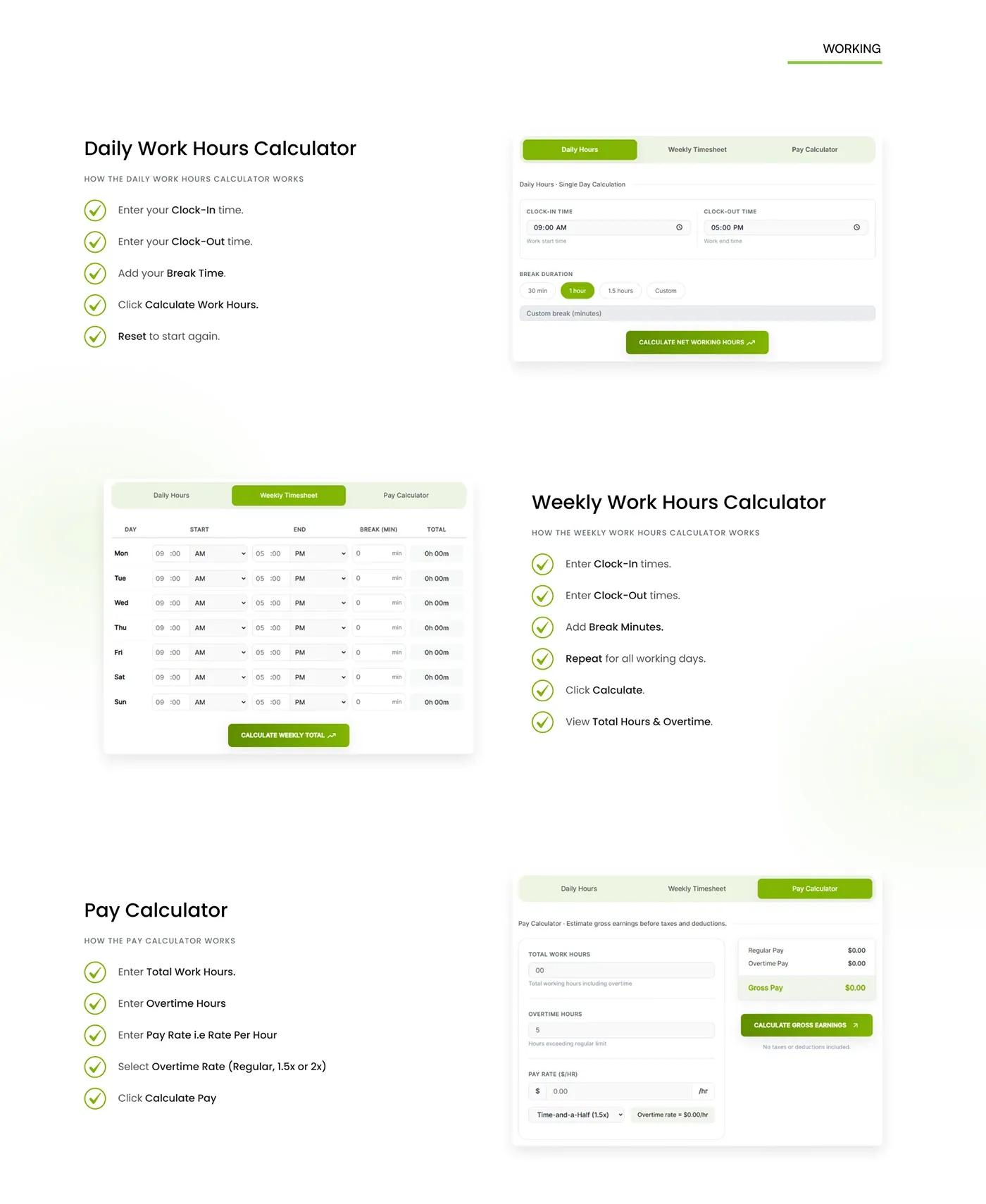
The interface is structured around three core workflows: Daily Hours, Weekly Timesheet, and Pay Calculator, allowing users to quickly calculate work durations, track weekly productivity, and estimate earnings with minimal effort.
Special attention was given to interaction clarity, input efficiency, and visual hierarchy, ensuring that users can complete tasks without confusion or friction.
01 · Problem and solution
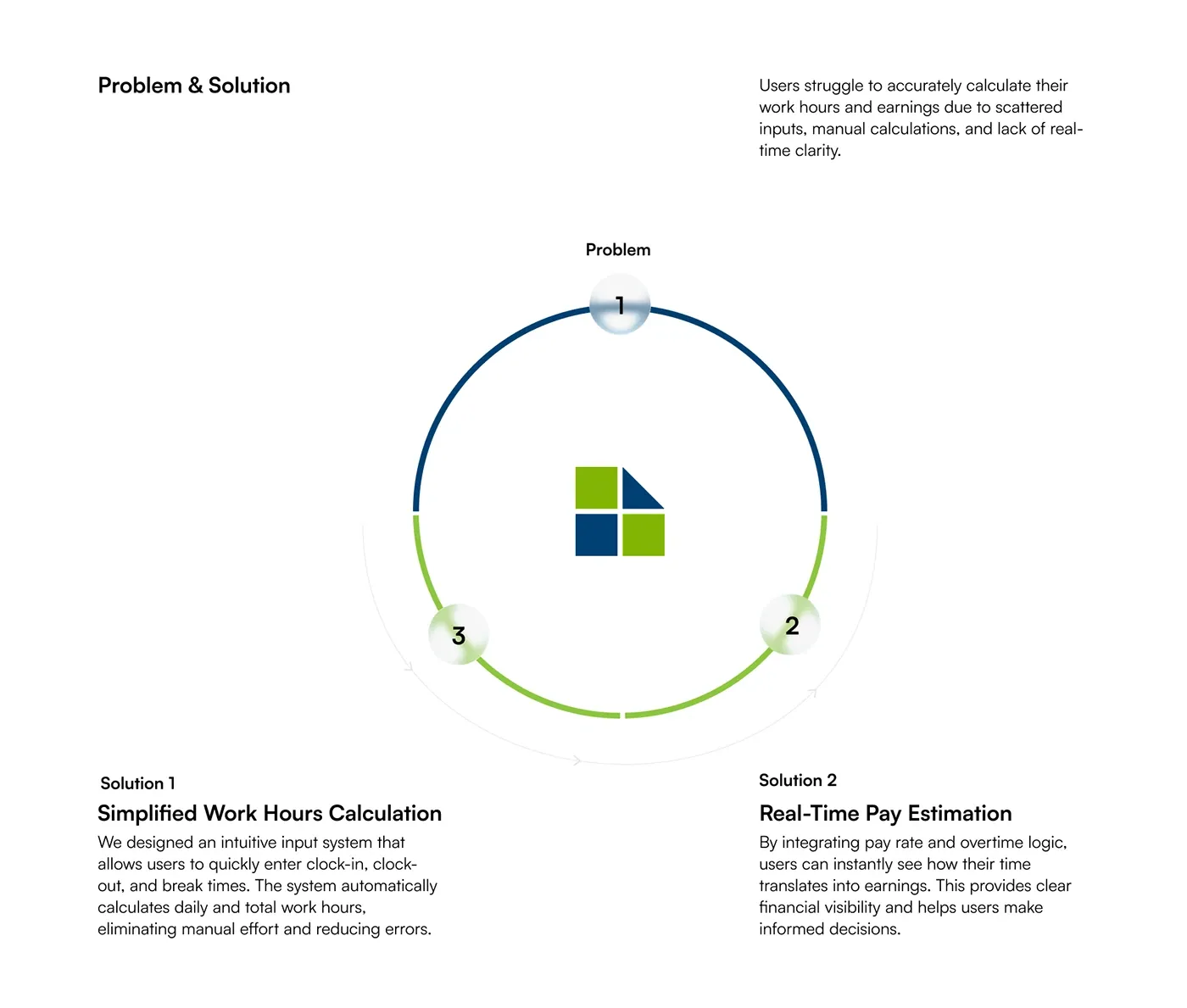
Users struggled to calculate work hours and earnings with scattered inputs and manual maths. The design answers with two ideas.
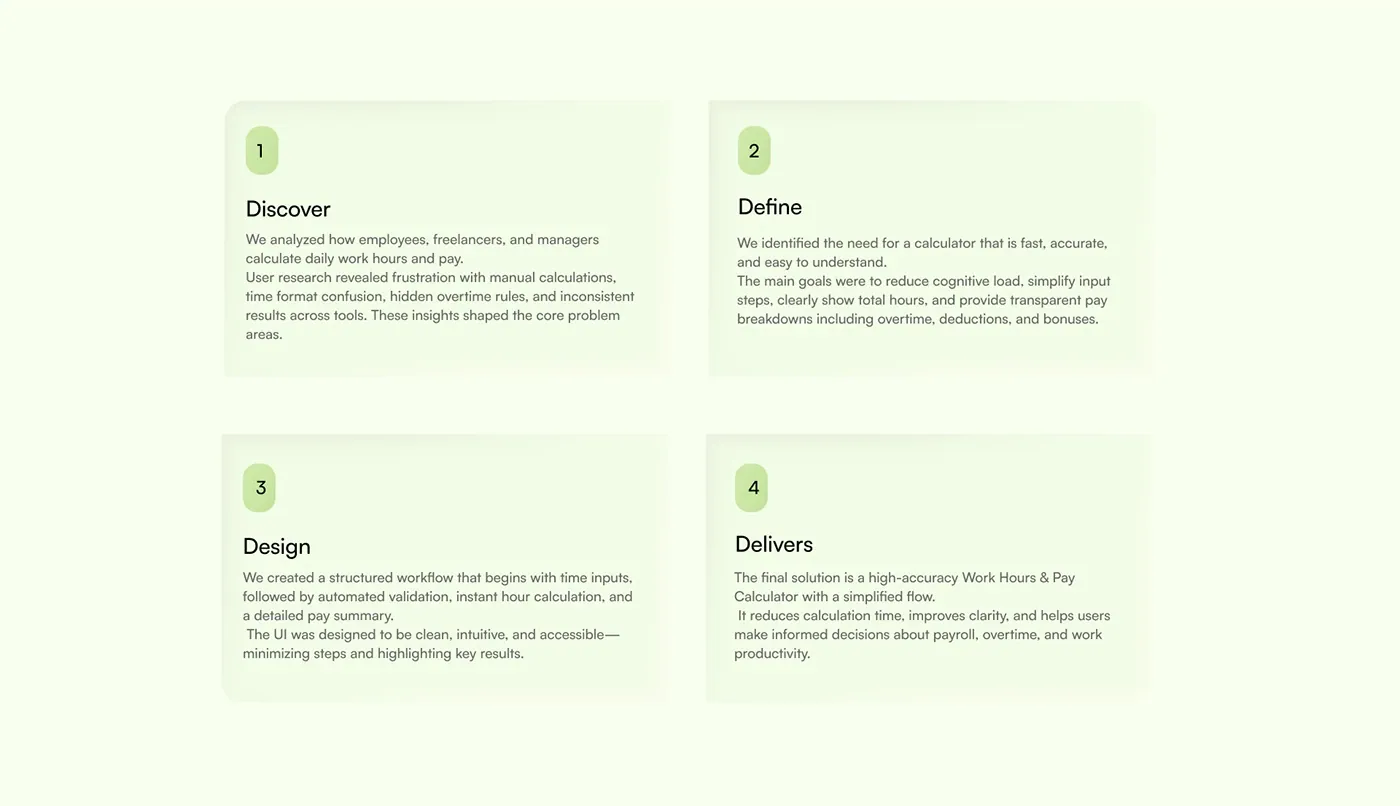
02 · Process
The work moved through discover, define, design and deliver. The result is three workflows, each with its own flow.
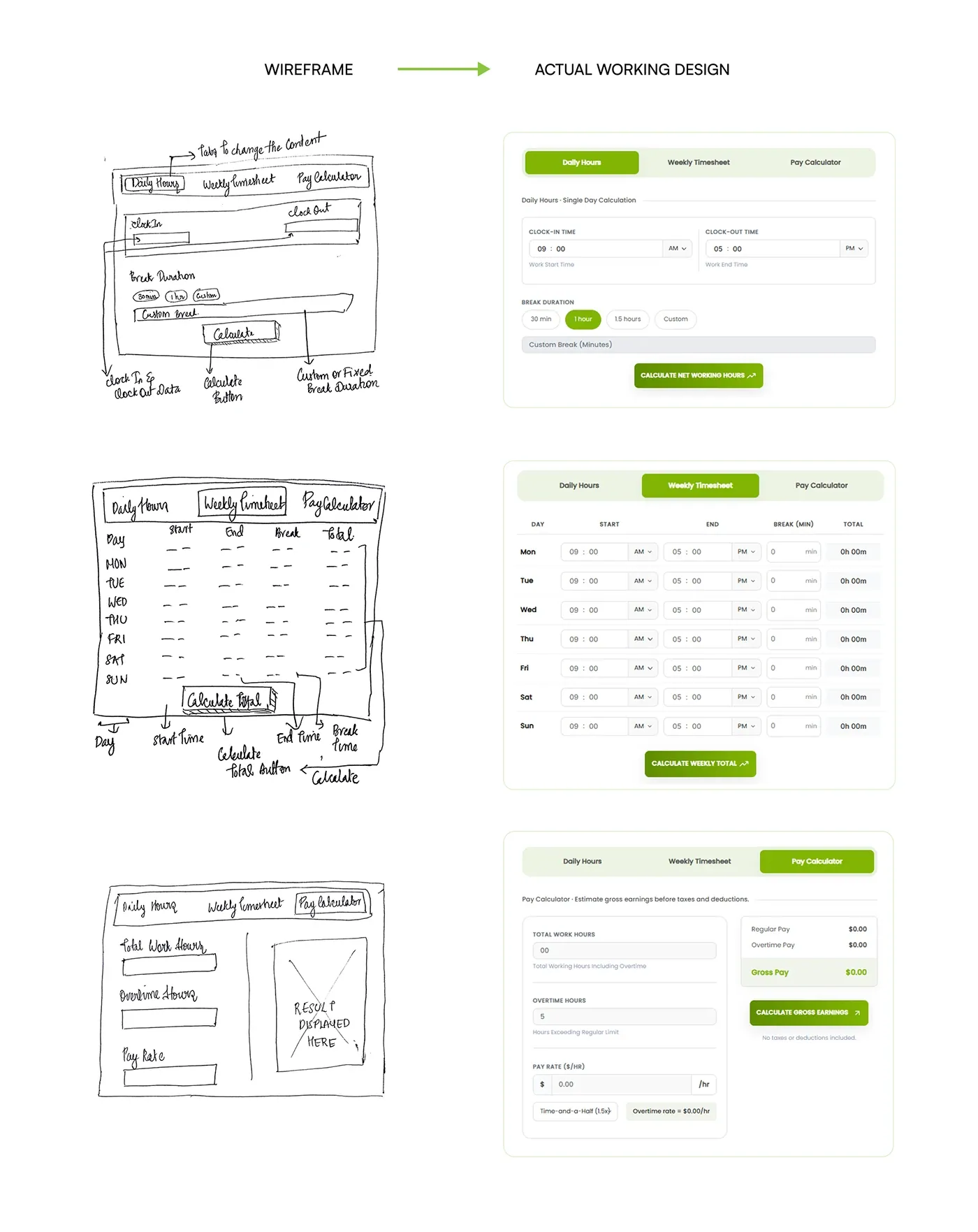
03 · Sketch to screen
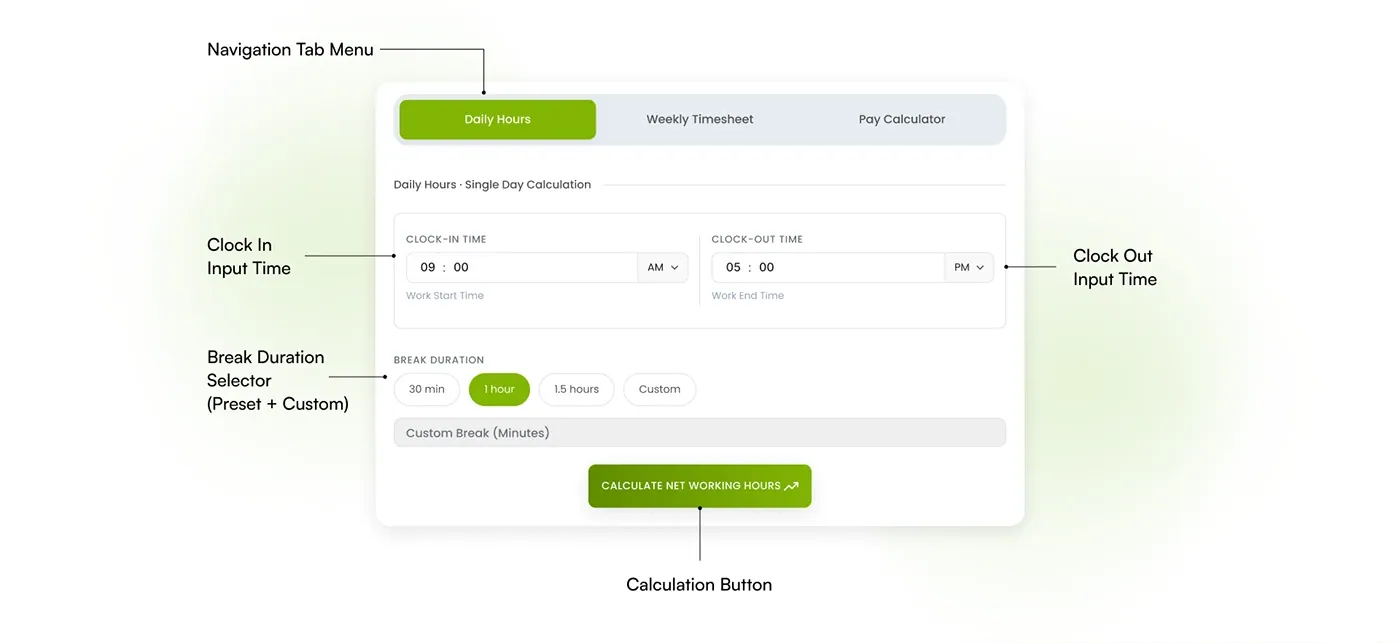
Each workflow started as a hand-drawn wireframe and was refined into the final interface, then annotated to show how each control works.
Design system
The calculator reuses the Desklog brand: Satoshi as the primary font, Inter as the secondary, and a green and blue palette.
#FFFFFFSurfaces#F4F9ECTinted backgrounds#81B504Primary actions and active tabs#FEF6EBHighlights#E6ECF1Dividers and inputs#004073Headings and logo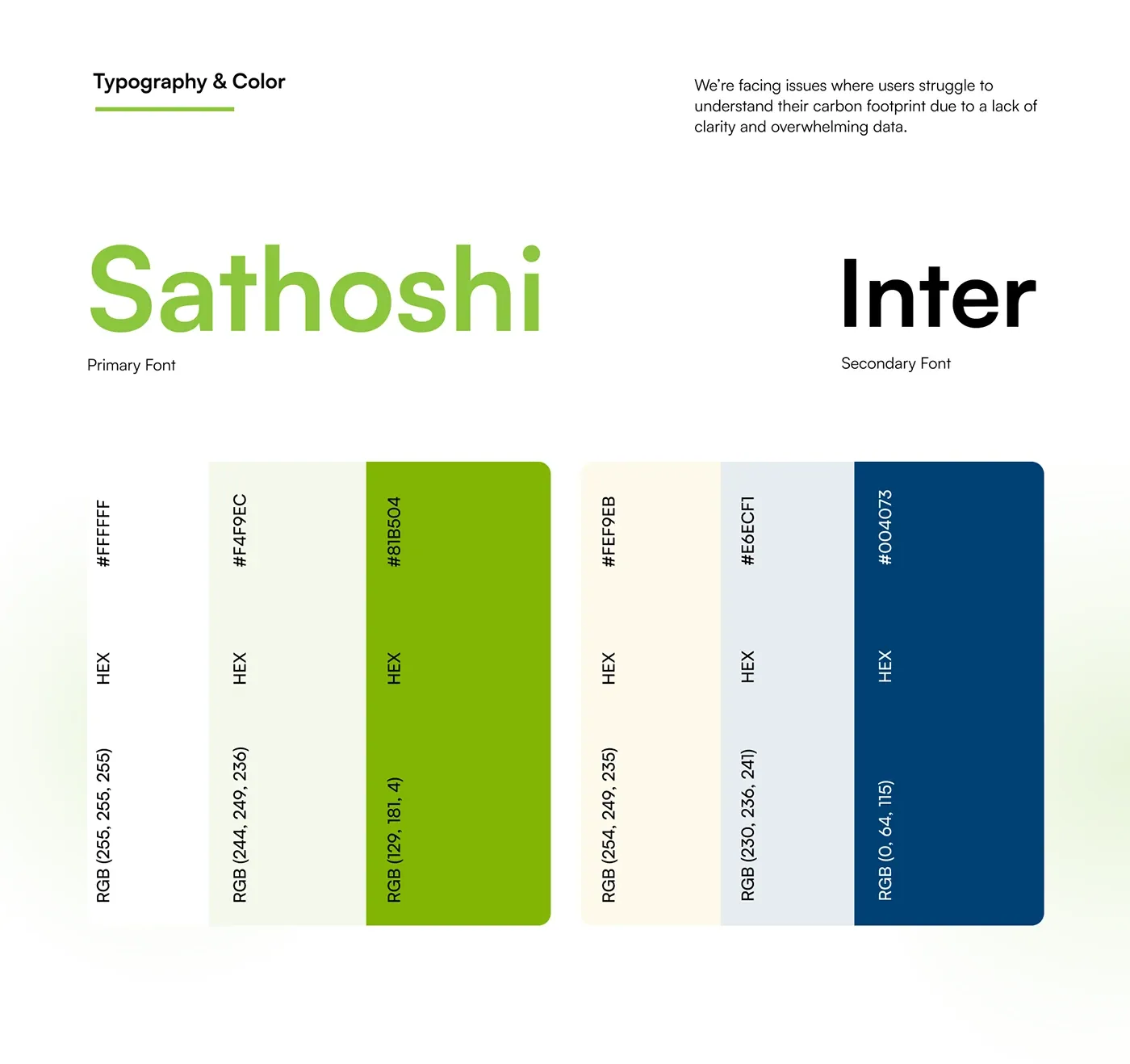
The result
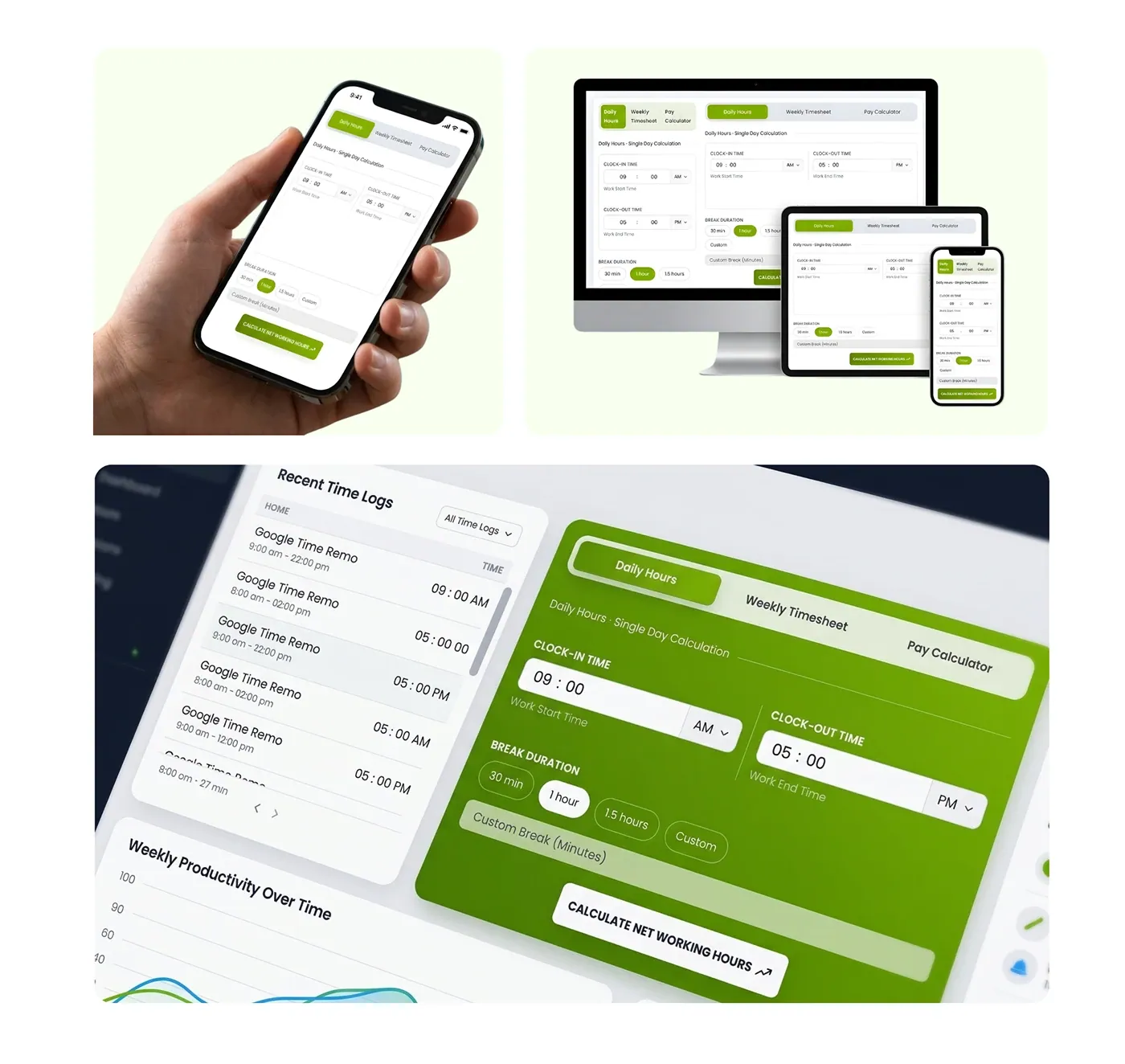
The final design, translated into a fully responsive frontend using HTML, CSS, JavaScript, and Bootstrap, maintaining pixel-perfect accuracy and smooth interactions.
Need something similar?
This project is an example of my ui/ux design and frontend development work.
More projects
Company project at Infinite Open Source Solutions LLP. Track time, manage projects, and boost productivity all in one place. Desklog gives teams clear insights to work smarter and move faster.
My role UI/UX design and frontend development
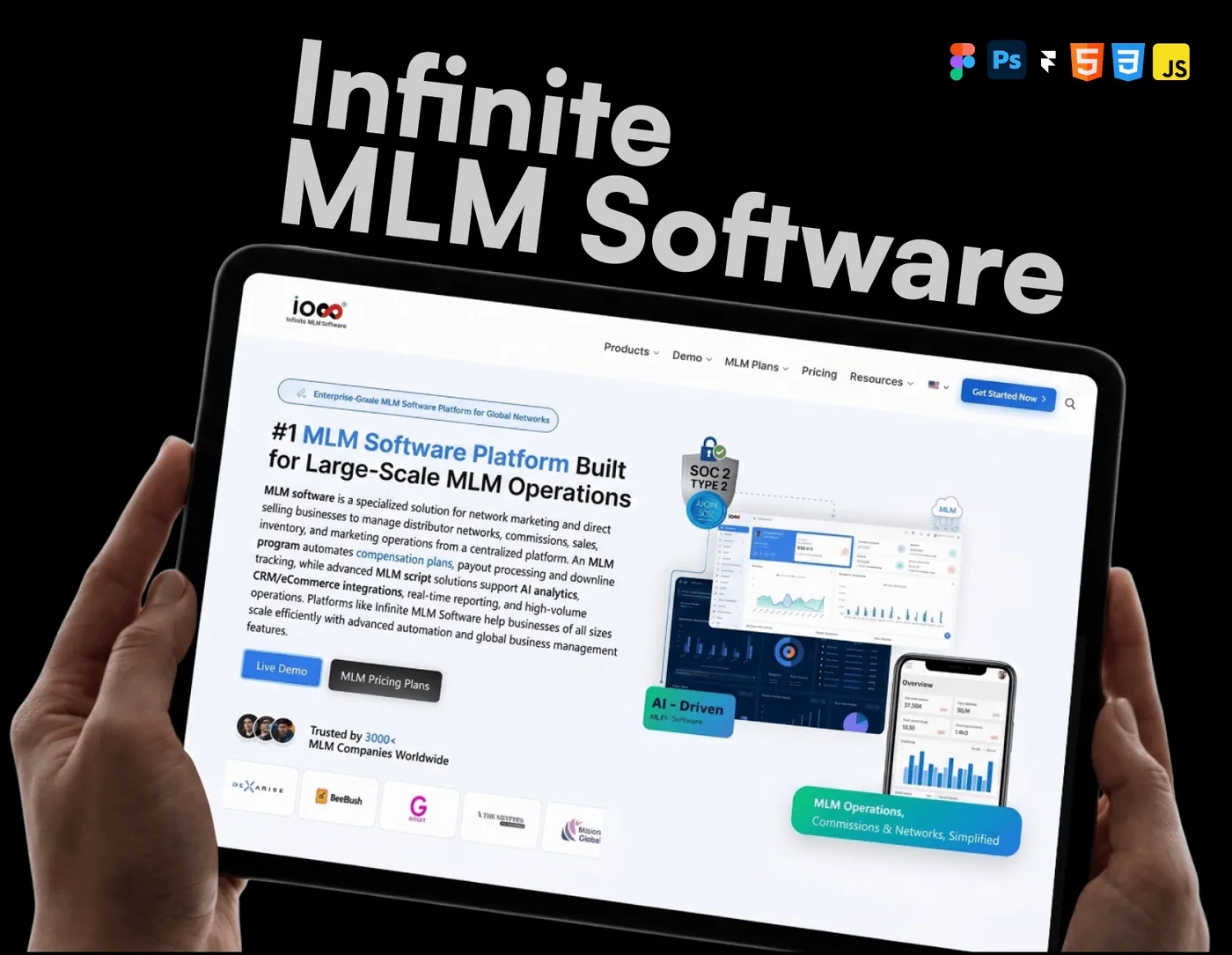
Company project at Infinite Open Source Solutions LLP. Manage your network, automate commissions, and scale your business with ease. IMS brings everything together in one powerful system built for growth.
My role UI/UX design and frontend development